PK
Piseth Keo
5 out of 5Nov 21, 2024Perfect!
Redeem and ready to play. Work perfectly fine as described.

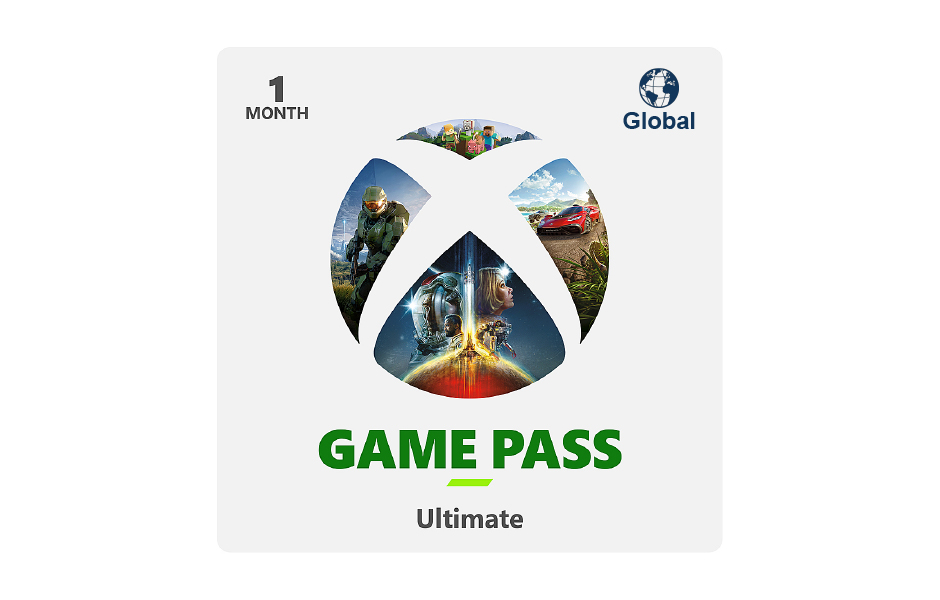
Xbox · Digital Code
Only 10 left
How to Redeem a Region-Locked Code with a VPN
Turn on your VPN: Connect to a server in the exact country the code belongs to (e.g., USA, Argentina, Turkey, Brazil).
Align your account: Check your Microsoft account profile settings and ensure your registered country/region matches the code's country. (Note: Microsoft sometimes blocks or tightens restrictions on cross-region redemptions and may require matching regional payment methods or waiting periods.)
Use a private browser tab: Open a fresh incognito/private window, navigate to the official Microsoft Redemption Portal, and sign in.
Enter the code: Type or paste your code into the box and confirm.
Disconnect: Once successfully redeemed, you can turn off your VPN and use your account normally
Note: Redeem the code in the Xbox console, the code cannot be redeemed through a web browser.
Redeem and ready to play. Work perfectly fine as described.
![USD 150 Nintendo eShop Digital Gift Card [USA Region]](https://vortex-uploads.sgp1.cdn.digitaloceanspaces.com/uploads/1786259968232-USD 150 .jpg)
![HKD 300 PSN Digital Gift Card [Hong Kong Region]](https://vortex-uploads.sgp1.cdn.digitaloceanspaces.com/uploads/1724234798056-300 HKD.jpg)
![HKD 80 PSN Digital Gift Card [Hong Kong Region]](https://vortex-uploads.sgp1.cdn.digitaloceanspaces.com/uploads/1699869491413-Artboard 1-100.jpg)
![USD 70 Nintendo eShop Digital Gift Card [USA Region]](https://vortex-uploads.sgp1.cdn.digitaloceanspaces.com/uploads/1786259933327-usd70 .jpg)
.jpg)
![USD 25 Xbox Digital Gift Card [USA Region]](https://vortex-uploads.sgp1.cdn.digitaloceanspaces.com/uploads/1748682992864-code25.jpg)